Your solar panels might be generating clean energy, but if your inverter can’t communicate with your smart home system, you’re missing out on serious automation potential. The right inverter doesn’t just convert DC to AC—it becomes the brain of an intelligent energy ecosystem.
Here are seven solar inverters with proven smart home integration that go beyond basic monitoring.
- Enphase IQ8+ Microinverter System
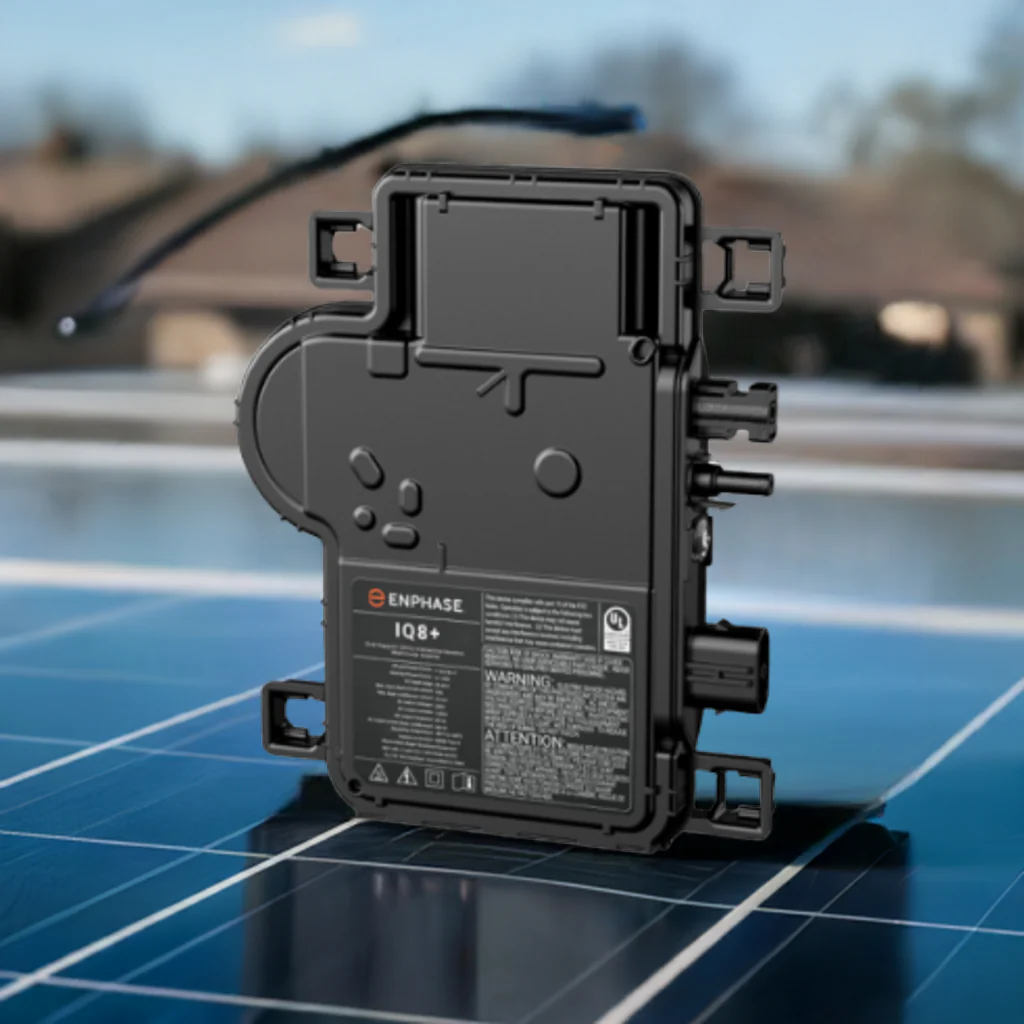
Best for: Homeowners who want true plug-and-play smart home integration
Enphase owns the microinverter market for good reason. Each panel gets its own IQ8+ inverter, creating a distributed system that’s naturally resilient and incredibly smart.
- Smart Home Integration:
- Native API that works with Home Assistant, Hubitat, and custom automation platforms
- Real-time per-panel production data accessible through local network
- IFTTT integration for creating custom automation triggers
- Works with Alexa and Google Home for voice monitoring
- Webhooks for advanced users building custom dashboards
Key Feature: The Enphase Enlighten app doesn’t just show production—it can trigger smart home actions based on solar output. When production exceeds a threshold, automatically start your pool pump, turn on your EV charger, or activate high-energy appliances.
Pricing: $250-350 per microinverter (installed cost varies by system size)
2. SolarEdge HD-Wave with StorEdge
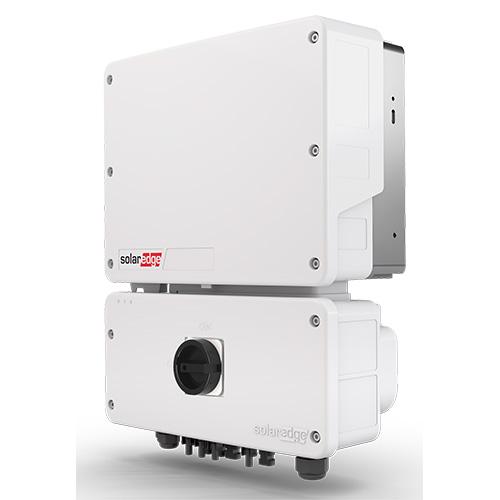
Best for: Tech-savvy homeowners who want deep system control
SolarEdge combines string inverter efficiency with panel-level optimization and one of the most developer- friendly APIs in the industry.
Smart Home Integration:
- Modbus TCP/IP protocol for direct integration with building management systems RESTful API with comprehensive documentation
- Native integration with major smart home platforms (Samsung SmartThings, Control4)Real-time power flow visualization accessible to third-party apps
- Battery storage integration that smart homes can control
Key Feature: SolarEdge’s SetApp configuration tool allows installers to enable local API access, meaning your smart home hub can pull production data every 5 seconds without touching the cloud. This is critical for time- sensitive automation like load shifting.
Pricing: $1,800-2,500 for residential systems (excluding optimizers)
3. Fronius Primo GEN24 Plus
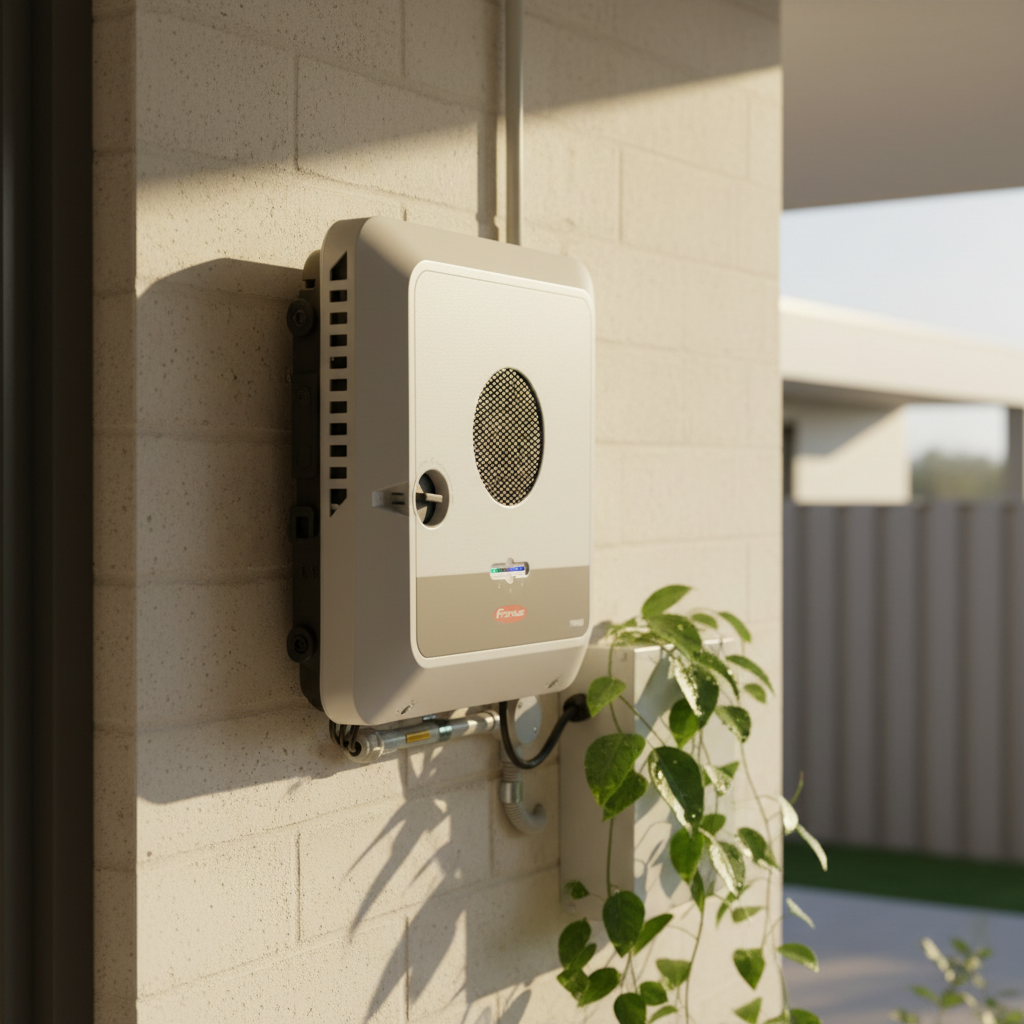
Best for: European installations and advanced energy management.
This Austrian manufacturer builds inverters that treat smart home integration as a core feature, not an afterthought.
- Built-in Modbus RTU and Modbus TCP
- JSON API for modern web-based automation
- Native KNX integration for professional building automation
- MQTT support for IoT ecosystems
- Local web interface that third-party systems can scrape
Key Feature: The GEN24 Plus includes a “Full Backup” mode that integrates with home battery systems. Your smart home can detect grid outages and automatically prioritize which circuits get power based on your preferences—all without cloud dependencies.
Pricing: $2,200-3,000 for 5-6 kW models
4. Huawei SUN2000 with SmartLogger
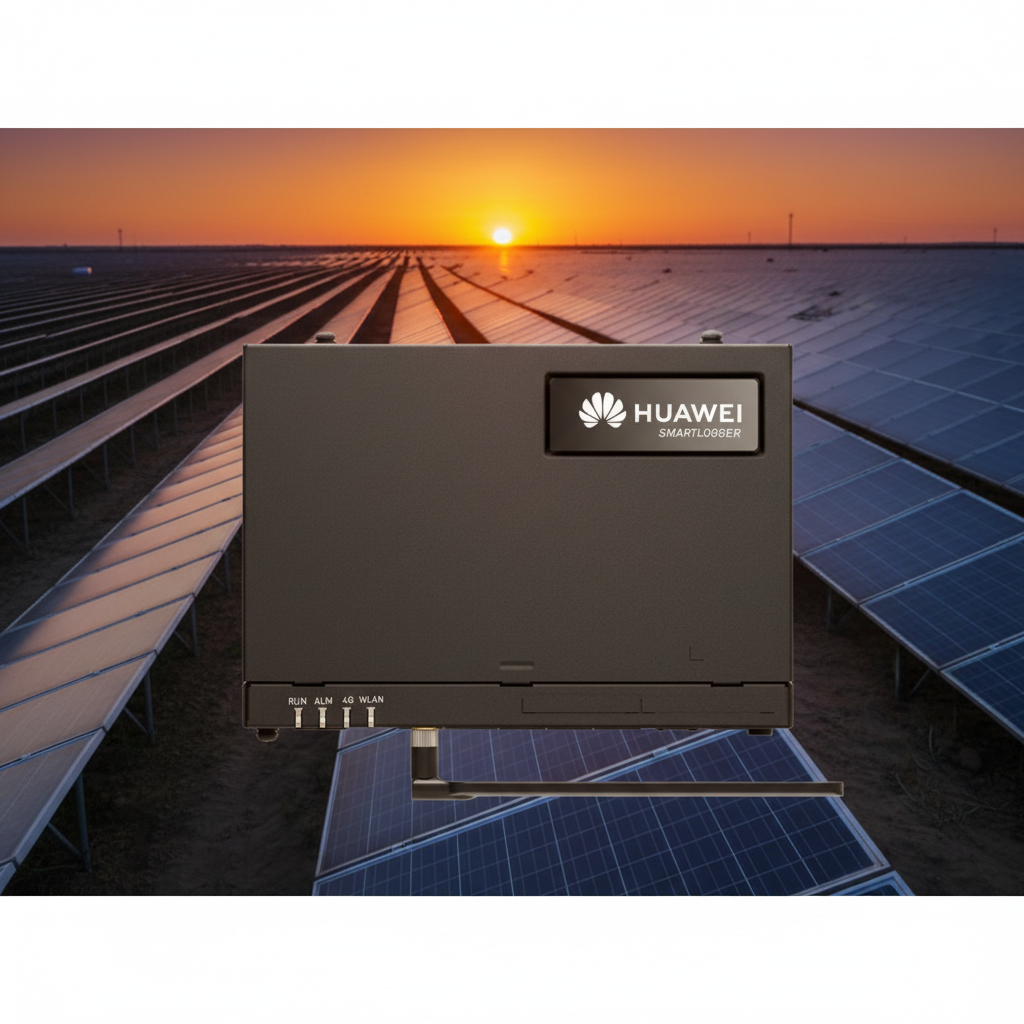
Best for: Budget-conscious builders of large systems
Huawei brings enterprise-level smart features to residential solar at competitive prices.
Smart Home Integration:
- FusionSolar app with open API
- Integration with Huawei’s IoT ecosystem
- Modbus protocol support
- Compatible with third-party energy management systems
- SmartLogger device provides local data aggregation
Key Feature: The AI-powered arc fault detection doesn’t just protect your system—it sends alerts to your smart home hub, which can trigger automated responses like shutting down specific circuits or sending notifications to your phone.
Pricing: $1,200-1,800 for 5 kW residential models
5. Tesla Solar Inverter (with Powerwall)
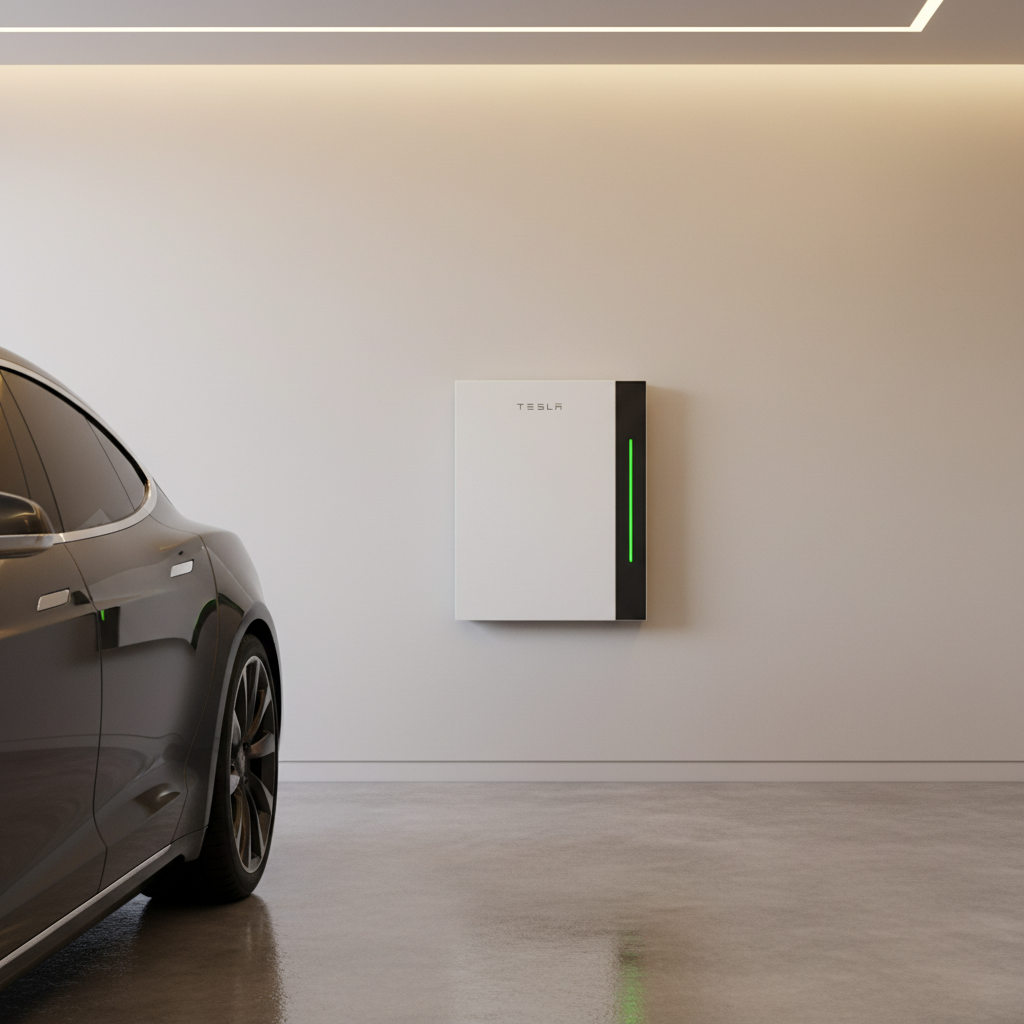
Best for: Tesla Powerwall owners and Apple ecosystem users
If you’re already in the Tesla ecosystem, their inverter provides seamless integration that competitors struggle to match.
Smart Home Integration:
- Tesla app with automation features
- Apple Home integration (rare in solar equipment)
- Local gateway API for advanced users
- Works with Tesla’s energy products for holistic control
- Time-based control settings for charging and discharging
Key Feature: Storm Watch automatically charges your Powerwall to 100% when severe weather is detected in your area. Your smart home can then shift to “conservation mode,” reducing HVAC usage and preparing for potential outages—all without manual intervention.
Pricing: Bundled with Tesla solar systems; inverter pricing not sold separately
6. Generac PWRcell Inverter
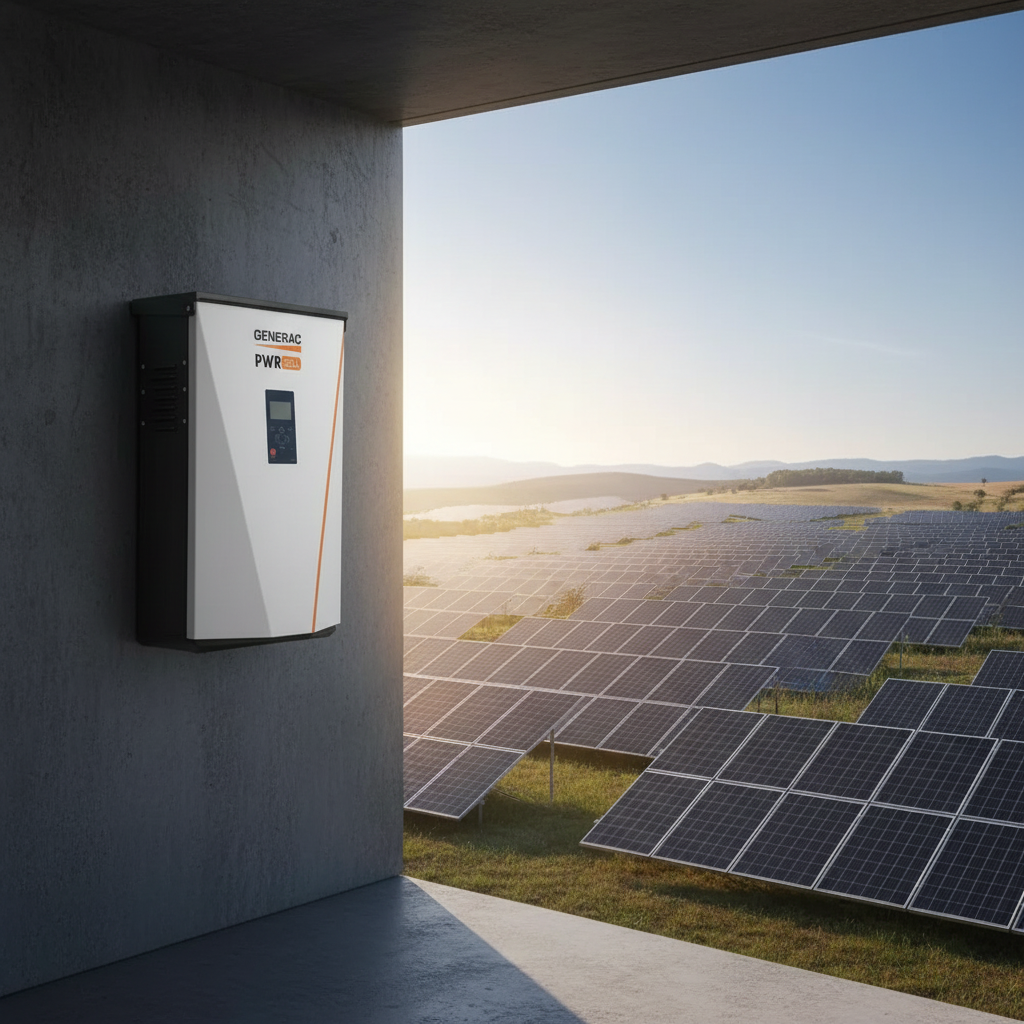
Best for: Homes prioritizing backup power and generator integration
Generac leverages decades of backup power experience to create an inverter that excels at emergency scenarios.
Smart Home Integration:
- PWRview app with scheduling and automationIntegration with Generac’s existing smart home products
- Automatic transfer switch integration
- Third-party compatibility through Schneider Electric partnerships
- Cloud API for monitoring and control
Key Feature: The system can automatically manage load shedding during outages. Your smart home receives priority levels you’ve set—keeping the refrigerator running while shutting down the pool heater, all based on available battery capacity.
Pricing: $2,000-3,500 depending on configuration
7. SMA Sunny Boy with SMA Home Manager
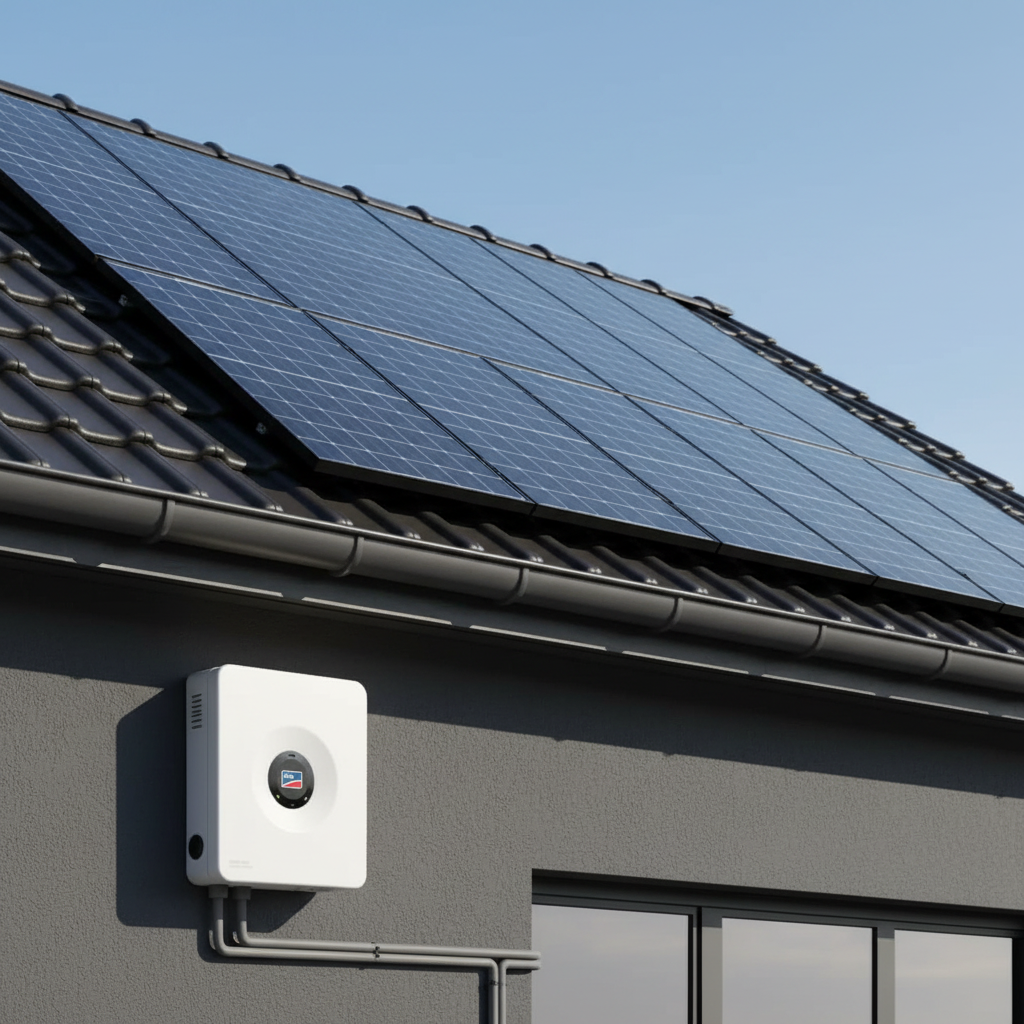
Best for: Multi-source energy systems (solar + heat pump + EV)
German engineering meets practical smart home integration. SMA has been in the solar game since 1981, and they understand system-wide energy management.
Smart Home Integration:
- SMA Home Manager 2.0 for whole-home energy optimization
- Modbus, SEMP, and EEBUS protocols
- Native integration with heat pumps and EV chargers
- REST API for custom applications
- Compatible with major European home automation standards
Key Feature: The SMA Smart Connected functionality predicts your energy needs based on weather forecasts and historical usage patterns. It automatically schedules high-consumption activities (like charging your EV) for times when solar production will be highest—and your smart home can override these schedules based on your actual plans.
Pricing: $1,800-2,800 for 5-7.7 kW models
What to Look for in a Smart Home-Compatible Inverter
Before you commit to an inverter, verify these integration capabilities:
Local API Access Cloud-only systems can suffer from latency or outages. Local control means your automations work even if the internet doesn’t.
Update Frequency Some inverters only send data every 15 minutes. For meaningful automation, you want updates every 5-30 seconds.
Bidirectional Communication Reading data is one thing; sending commands back to the inverter is another. Make sure the system supports control, not just monitoring.
Protocol Standards Modbus, MQTT, and RESTful APIs are your friends. Proprietary protocols lock you into specific ecosystems.
Community Support Check Home Assistant forums, Reddit’s r/homeautomation, and GitHub repositories.
Active communities mean better integrations and more troubleshooting help.
Real-World Smart Home Automation Examples
Scenario 1: Peak Shaving When your inverter reports production above 5 kW, your smart home automatically
starts the washing machine, dishwasher, and water heater—using free solar energy instead of expensive grid power during peak hours.
Scenario 2: EV Charging Optimization Your home automation system monitors real-time solar production.
When excess power reaches your EV’s charging threshold (say, 3.5 kW surplus), it sends a signal to your smart EV charger to begin charging. When a cloud passes over and production drops, charging pauses automatically.
Scenario 3: HVAC Load Shifting On sunny days, your smart thermostat receives production data and pre- cools your home to 68°F in the afternoon (using free solar). As the sun sets and production drops, it allows the temperature to drift to 72°F, reducing evening grid consumption.
Scenario 4: Emergency Preparation Your inverter detects abnormally low production (potential equipment
failure). Your smart home hub receives the alert, logs the issue, sends you a notification, and automatically schedules a service call with your installer—all before you notice anything wrong.
Installation Considerations
Most installers won’t proactively enable smart home features. Here’s what to request:
- Enable local API access during installation (some manufacturers disable this by default)
- Document all network credentials and API endpoints
- Request Modbus TCP activation if supported
- Verify protocol compatibility with your existing smart home hub before installation begins
Some installers may charge extra for these configurations, but it’s worth negotiating this into your initial
contract.
The Bottom Line
Smart home integration transforms your solar system from a passive energy generator into an active participant in your home’s intelligence. The inverters listed here represent the current state of the art, but technology moves fast.
The best choice depends on your specific ecosystem. If you’re deep in the Apple world, Tesla’s integration is unmatched. If you’re a tinkerer who wants maximum control, SolarEdge or Fronius offer the flexibility you need. For straightforward reliability, Enphase remains the gold standard.
Whichever inverter you choose, make sure it speaks the same language as your smart home. The future of home energy isn’t just solar—it’s solar that knows what to do with every watt it produces.
Related Topics:
- Best smart home hubs for solar integration
- How to set up Home Assistant with solar monitoring
- IFTTT automation recipes for solar homes
- Comparing Modbus vs MQTT for home energy systems